Source workflow verified: August 29, 2026
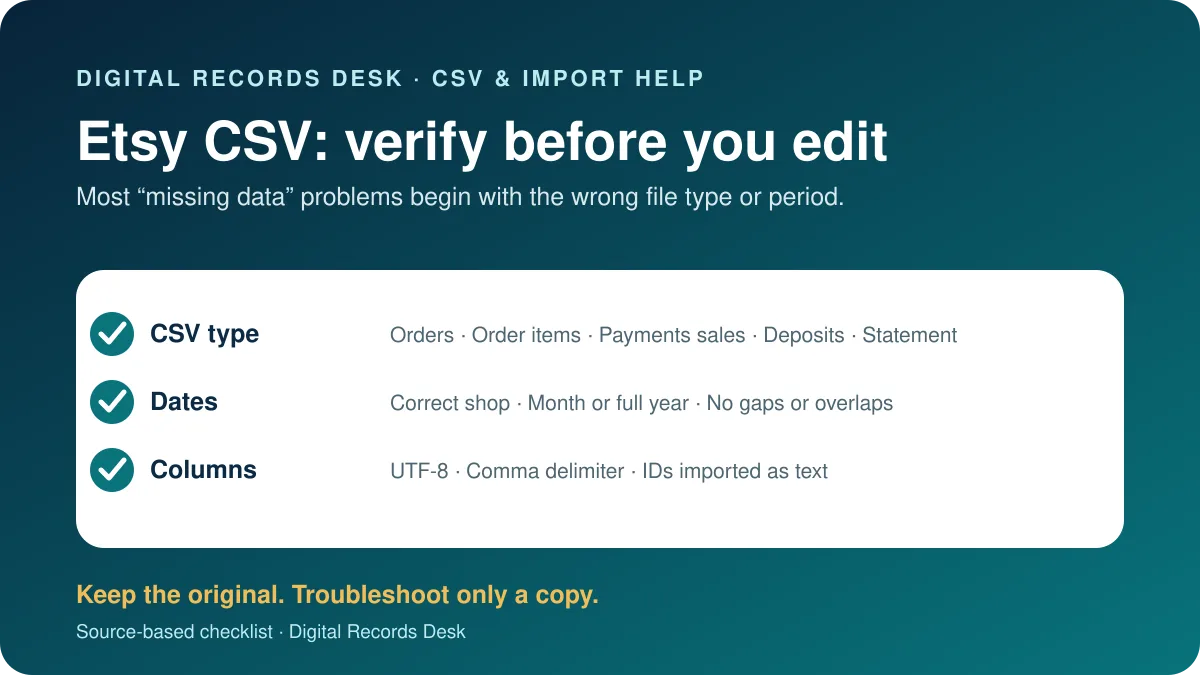
Etsy offers several CSV types for listings, order items, orders, Etsy Payments sales, deposits, and monthly statements. A file can look incomplete simply because it answers a different question or covers only the selected month and year.
Choose the correct Etsy CSV
| CSV | Use | Do not confuse with |
|---|---|---|
| Orders | Order-level history and totals | Net deposits or 1099-K gross |
| Order items | Item-level sale details | One row per order |
| Etsy Payments Sales | Payment sales and Gross column | Deposit amount |
| Etsy Payments Deposits | Transfers sent to the bank | Gross sales |
| Monthly statement | Payment account activity, fees and taxes | Full-year order history |
Create a fresh Etsy export
- Open Etsy.com and Shop Manager.
- Select Settings → Options → Download Data.
- Under Orders, choose the CSV Type.
- Select year and, if required, month.
- Leave Month blank for the full year.
- Select Download CSV and preserve the original.
For monthly Payment account activity, use Finances, Monthly statements, View all monthly statements, select the period, and Generate CSV. Etsy emails when that generated file is ready.
If the file opens incorrectly
- Import through the spreadsheet’s text/CSV tool.
- Choose comma as delimiter and UTF-8 encoding.
- Import order and transaction identifiers as text.
- Check decimal and date locale before saving.
- Return to the untouched original if columns or values changed.
If orders or totals appear wrong
Confirm year, month, shop, CSV type and whether refunded or canceled orders remain represented. Etsy explains that Order Total, deposit Amount, Stats Revenue and 1099-K gross use different calculations. For 1099-K reconciliation, Etsy directs sellers to the Gross column in Etsy Payments Sales—not the deposits file.
If multiple shops share taxpayer information, reconcile each shop’s exports while recognizing that the tax form may combine them.
Build comparisons with the same date basis and currency. A monthly statement contains Payment account activity, while an Orders CSV follows order records and a deposit CSV follows transfers to the bank. Fees, taxes, refunds, reserves and funds not yet available can create legitimate differences between all three.
When combining a full year, verify that every month is represented exactly once. Retain a source-file column in any combined working spreadsheet so a questionable row can be traced back without altering the originals.
Import safely into Excel or Google Sheets
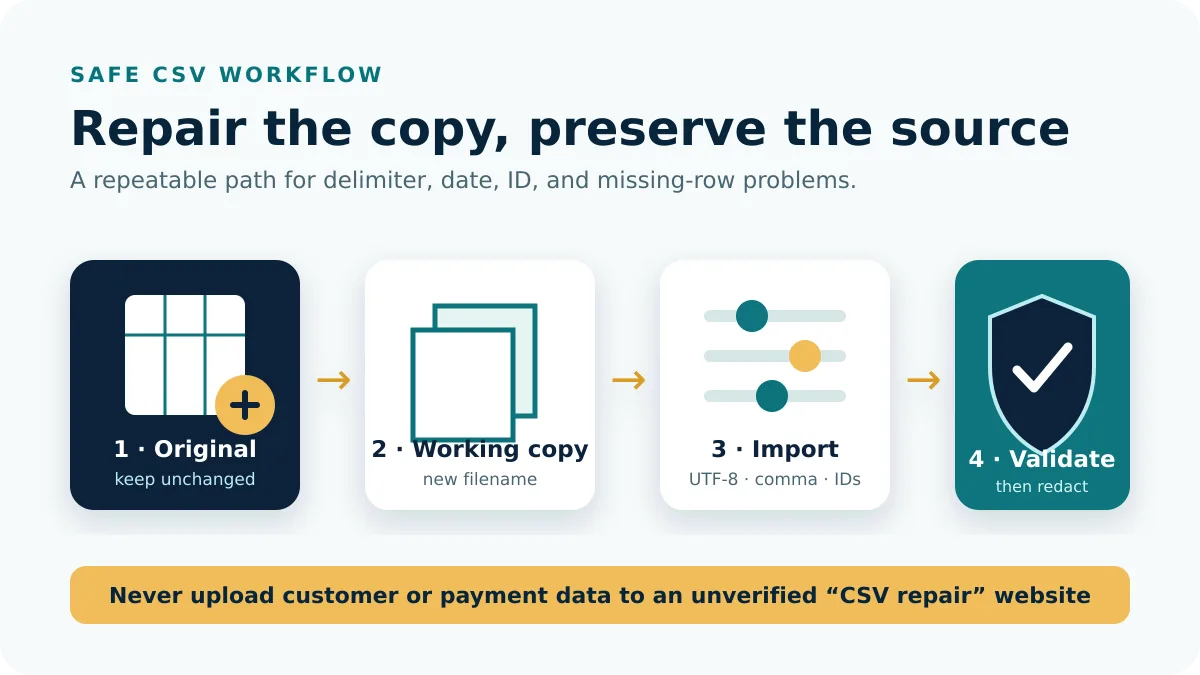
Make a working copy and use the application’s import command instead of opening the file by double-click. Select UTF-8, comma delimiter, and text format for order, transaction, receipt, postal-code, and other identifier fields. Preview the columns before completing the import. If dates or amounts are misread, cancel and adjust locale settings rather than correcting hundreds of cells afterward.
After import, compare the row count, first and last dates, and several identifiers with the untouched CSV. Save the working spreadsheet under a new name. Uploading the original to a random online “CSV fixer” can expose buyer names, addresses, and order details.
Find gaps and duplicates before editing
- Sort a copy by the most appropriate date, but preserve the original row order in a helper column.
- Count rows per month and flag months with zero or unusually low activity.
- Check unique order or transaction IDs rather than treating matching amounts as duplicates.
- Compare monthly control totals with Etsy’s corresponding statement or Dashboard view.
- Investigate refunds and cancellations separately before excluding anything.
When joining monthly files, add source filename, shop, period, and currency columns first. Confirm that filenames cover every month exactly once and do not overlap a full-year export. Append identical column layouts only; a changed header can shift values into the wrong field without producing an obvious error.
Recover from a damaged working file
If formulas, dates, or identifiers have already changed, stop editing and return to the original download. Re-import it with explicit settings, then copy only documented transformations from the damaged workbook. This is usually faster and safer than trying to infer which values a spreadsheet reformatted.
If the fresh Etsy export itself lacks expected records, compare the correct shop, CSV type, date basis, and transaction status. Capture a few missing order IDs and contact official Etsy Support with the period and export type—without posting customer data publicly.
Frequently asked questions
How do I export a full year?
Select the year and leave the Month dropdown unselected.
Why does the deposit CSV not match sales?
Deposits reflect fees, taxes, refunds, reserves, availability and payout timing.
Which file reconciles 1099-K?
Etsy identifies the Gross column in Etsy Payments Sales CSV.
Why is everything in one column?
Import as text/CSV and explicitly choose comma as delimiter.
CSV types and routes were checked on August 29, 2026.