Source workflow verified: August 29, 2026
Square exports many different CSV reports. Missing transactions usually result from selecting the wrong report, location, status, source, payment method, or date range; display problems usually come from spreadsheet delimiter and locale settings.
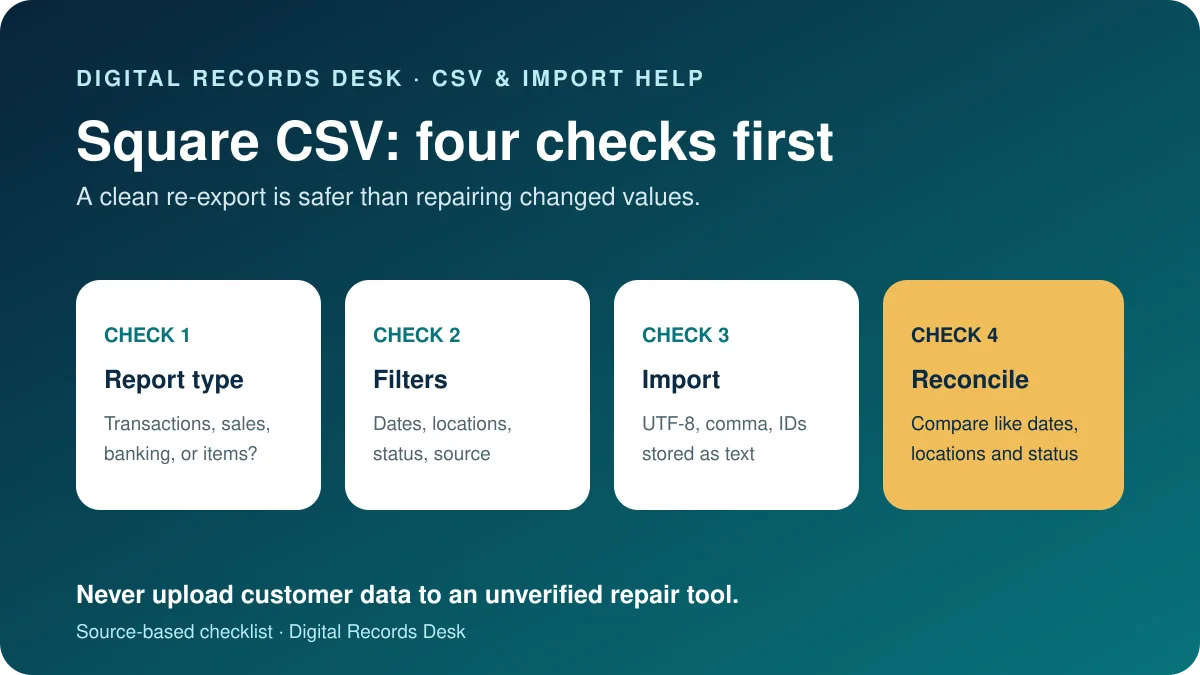
Make sure it is the right Square export
| Export | Contains | Typical mismatch |
|---|---|---|
| Transactions | Payment-level details | Expected summary totals |
| Sales report | Filtered sales measures | Expected every payment row |
| Banking or Checking | Transfers or checking activity | Expected gross sales |
| Item sales | Items, quantities and categories | Expected payment events |
| Item library | Catalog data | Expected transaction history |
If transactions are missing
- Return to Dashboard Transactions.
- Select the full required date range.
- Choose all relevant locations.
- Remove status, type, source, team-member and payment-method filters.
- For API activity, include eCommerce Integrations.
- Export a broad original and compare it with the filtered file.
Square transaction search can list card-related results within a specific search window, while exports depend on the selected filters. Document those filters before assuming the file is incomplete.
If columns, dates, or amounts are wrong
- Import rather than double-clicking the CSV.
- Select UTF-8 and comma delimiter.
- Import receipt IDs and other identifiers as text.
- Check decimal and thousands separators.
- Compare sample rows with Dashboard before resaving.
If one column contains the whole row, the delimiter was not detected. Do not replace commas manually because text fields may legitimately contain punctuation.
If totals do not match
Gross sales, net sales, transactions, bank transfers and item reports measure different things. Refunds, disputes, tips, taxes, fees, multiple locations, cash payments and settlement timing can affect comparisons. Reconcile like-for-like periods and use transaction IDs to trace exceptions.
When exporting a report, Square allows selected columns or all visible columns. Missing fields can therefore reflect column selection rather than missing transactions.
Use the broad Transactions export as the detail set and an appropriate Square sales report as a control total for identical dates and locations. If they differ, group transactions by status, source and payment method before editing rows. A refunded payment, dispute, partial payment or offline transaction may appear differently from an ordinary completed card sale.
Keep a note of the Square account, locations, timezone, export time and filters beside each source file. This makes the result reproducible and helps official support investigate without requiring you to publish the customer data.
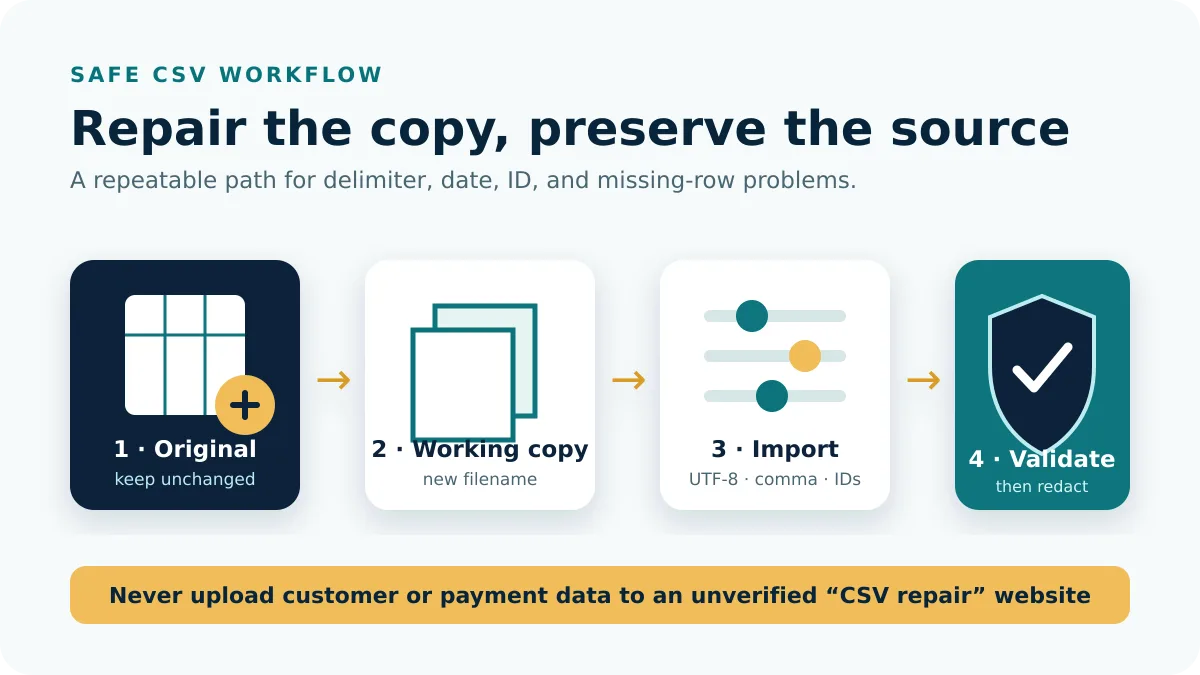
Import the CSV without changing its data
Use Excel’s From Text/CSV command or Google Sheets’ Import flow on a working copy. Choose UTF-8 and comma delimiter, preview the columns, and force transaction, receipt, order, and customer identifiers to text where possible. Verify the decimal convention and timezone before allowing automatic type conversion.
After import, compare the row count and several random receipts with the source and Dashboard. A value displayed in scientific notation or without leading zeros may already have been altered by the spreadsheet. Close without saving and re-import instead of manually repairing IDs.
Handle apparent duplicates, refunds, and gaps
Never deduplicate on date and amount alone. Two customers can pay the same amount within the same minute, and one sale can produce related payment, refund, dispute, or transfer records. Use Square’s unique identifiers, status, source, and location to decide whether rows represent the same event.
- Group records by location and status.
- Check a suspected duplicate against its receipt or transaction details in Dashboard.
- Pair refunds with the original payment using identifiers when available.
- Compare missing intervals with offline payments, API sources, and filter settings.
- Document exclusions in a separate reconciliation sheet rather than deleting source rows.
When to export again or contact support
Re-export when the period, report type, location, filter, or selected columns were wrong. Contact official Square Support when a broad fresh export still disagrees with transaction details visible in the same account. Provide the account, location, exact period, timezone, report type, export time, and a few transaction IDs. Do not attach an unrestricted customer file unless the secure support process specifically requires it.
Keep both the original and corrected exports with descriptive filenames. A short readme noting why a second file was created will prevent the obsolete copy from being imported later.
When sending the working file to an accountant, remove columns that are unnecessary for the stated task and transfer it through an approved secure channel. Keep the private master separate from the redacted sharing copy.
Frequently asked questions
Why does Square CSV open in one column?
Your spreadsheet missed the comma delimiter; import the file deliberately.
Why are online payments absent?
Include eCommerce Integrations and remove narrow source or payment-method filters.
Why do transfers not equal sales?
Transfers reflect settlement timing and balance adjustments, not simply gross sales.
Can I export all report columns?
Square’s report export lets you select only chosen columns or all columns in the view.
Filters and export options were checked on August 29, 2026.