Source workflow verified: August 29, 2026
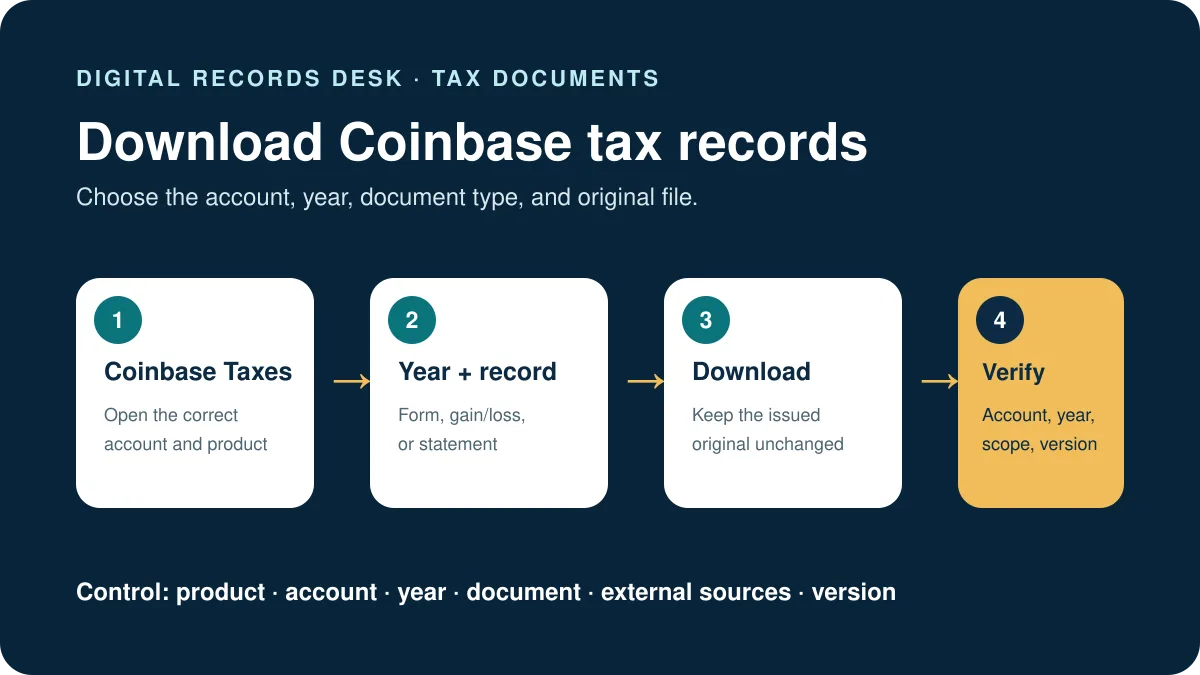
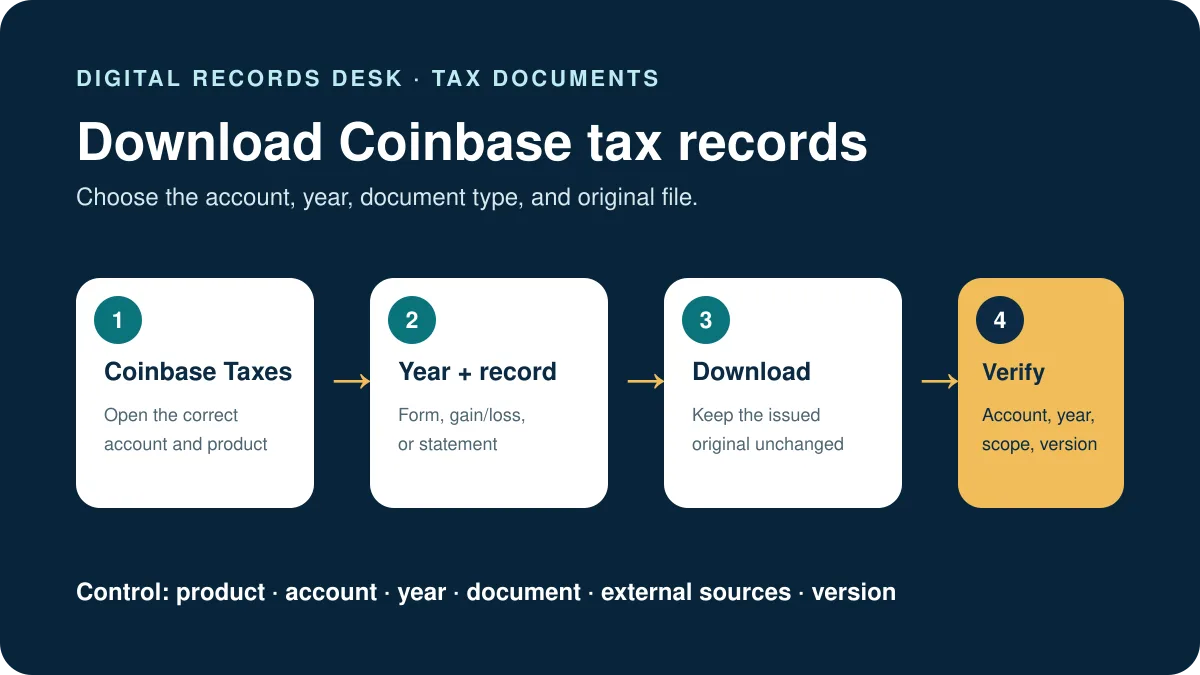
To download Coinbase tax documents, sign in to Coinbase and open the Taxes area, where available forms and reports can be viewed or downloaded. The exact file you need may be a tax form, a gain/loss report, an account statement, or raw transaction history—not every record serves the same purpose.
Choose the correct Coinbase document first
“Tax document” is often used as a general label, but Coinbase provides several different records. Choosing the right one prevents you from downloading a file that looks incomplete simply because it was designed for another purpose.
| Document or report | Typical purpose | Important limitation |
|---|---|---|
| IRS tax form, such as Form 1099-DA | Reports information Coinbase is required to provide for an eligible U.S. account and tax year | A form may not appear when it is not applicable to that account or year |
| Gain/loss report | Summarizes gains and losses based on the information available to Coinbase | Transfers from other exchanges or wallets may require additional cost-basis information |
| Monthly account statement | Creates a readable record of account activity for a month | It is an account record, not automatically a tax return or complete tax calculation |
| Custom statement or raw transaction history | Provides detailed activity for reconciliation or tax software | The selected dates, assets, and transaction types determine what appears |
If a tax preparer or software product requested a file, confirm the exact document name and accepted format before exporting. A PDF statement and a CSV transaction history are not interchangeable.
How to download Coinbase tax documents
- Sign in through the official Coinbase website or app. Avoid links in unexpected emails or messages. Check the domain before entering account credentials.
- Open Coinbase Taxes. Navigate to the tax area associated with the correct Coinbase account.
- Open the forms or reports section. Review the available tax year and document names rather than selecting the first download shown.
- Select the correct year. A report for one calendar year will not include activity from another year.
- Download the file and keep the original. Save an untouched copy before opening, renaming, converting, or importing it into other software.
Coinbase’s official help center says customers can use Coinbase Taxes to view and download available tax documents and reports. For U.S. customers, Coinbase also provides gain/loss information through the Tax Center.
About Coinbase Form 1099-DA
Form 1099-DA is a U.S. information form for certain digital-asset broker transactions. Coinbase states that it began providing this form for the 2025 tax year and announced that applicable forms would be available no later than March 17, 2026. Do not assume that a missing form means no activity needs to be reviewed, and do not assume that every transaction shown on a form has complete cost-basis information.

How to download statements or raw transaction history
Coinbase separates account statements from some tax reports. According to Coinbase’s current instructions, you can reach Statements on desktop through your profile icon, then Settings → Accounts → Statements. In the mobile app, use the main menu, then Account & settings → Statements.
- Open the Coinbase Statements page.
- Choose an existing monthly statement or select the option to generate a custom statement.
- For a custom statement, choose the asset, transaction type, and date range.
- Select HTML, PDF, or CSV according to how the record will be used.
- Generate and download the statement, then confirm that the first and last transaction dates match your intended period.
For a complete walkthrough of those exports, see how to download your Coinbase transaction history.
What to do if a Coinbase tax document is missing
Confirm the account, product, and tax year
A Coinbase retail account, Coinbase Card activity, and activity from another Coinbase product may not appear in exactly the same record. Confirm that you are signed in to the correct account and viewing the intended year.
Check whether you need a form or a report
A tax form is issued according to specific reporting rules. A gain/loss report or raw transaction history may still be available even when a particular form is not. If software asks for CSV data, downloading a PDF tax form will not solve the import requirement.
Review transfers and missing cost basis
When assets entered Coinbase from another wallet or exchange, Coinbase may not possess the original acquisition information. Compare the report with your outside records rather than editing the only downloaded copy.
Use official Coinbase Support for account-specific discrepancies
If a statement contains activity you do not recognize, a required account document appears unavailable, or account information seems inaccurate, contact Coinbase through its official support routes. Never post the document publicly or send it to an unofficial “support” account.
Reconcile Coinbase tax records without mixing sources
Create an inventory containing the Coinbase product, account label, tax year, document type, date range, download date, and filename. Keep an issued form, gain/loss report, statement, and raw history as separate source records. They answer different questions and their totals do not have to match automatically.
- Confirm that every file belongs to the same account and tax year before comparing it.
- Compare the issued form with the report designed to support that form.
- List assets transferred into Coinbase whose acquisition history began elsewhere.
- Match outbound transfers with the receiving wallet or exchange using identifiers and timestamps.
- Document missing cost basis or unresolved differences without inserting guessed values into the original export.
For example, a gain/loss report can lack acquisition information for an asset received from a self-custody wallet even though the later Coinbase sale appears correctly. Preserve the Coinbase record, then obtain the earlier wallet or exchange evidence. If a corrected form later becomes available, retain both versions and note which one was ultimately used.
Before sending records to a preparer, ask whether the recipient needs the issued form, transaction-level support, or both. Share the narrowest complete set through a protected channel. A short readme identifying the account, year, original files, known external sources, and current form version prevents an older or incomplete document from being used accidentally.
Also compare the legal name, masked taxpayer identifier, account label, form type, and reporting period before filing the document. If any field appears wrong, record the discrepancy and use Coinbase’s authorized correction or support process. Never type a replacement value into the PDF or discard the first version; an intact correction trail is more useful than a visually edited file.
Safe handling checklist
- Keep an untouched original of every downloaded file.
- Store tax files in an encrypted or access-controlled location.
- Do not email complete tax documents unless the recipient and method are verified.
- Never share a Coinbase password, two-step verification code, seed phrase, or private key.
- When importing a CSV, upload it only to software you deliberately selected and trust.
Frequently asked questions
Can I download Coinbase tax documents from the mobile app?
Some account statements are reachable in the mobile app through Account & settings and Statements. Tax-center options can vary by product and region; if a document is difficult to locate on mobile, use the official Coinbase website on a desktop browser.
Is a Coinbase gain/loss report the same as Form 1099-DA?
No. A gain/loss report is a Coinbase-generated report based on available transaction and cost-basis information. Form 1099-DA is an IRS information form. They have different purposes and should not be treated as identical.
Why does my report omit transactions from another wallet?
Coinbase statements cover activity recorded by the relevant Coinbase account. Transactions occurring entirely in another wallet or exchange generally require records from that other service.
Which format should I download?
Use PDF for a readable, fixed-layout record; CSV for spreadsheet work or supported software imports; and HTML when you need a browser-readable statement. Follow the requirements of the recipient or software.
- Coinbase Help: Download your tax reports
- Coinbase Help: Account statements and gain/loss reports
- Coinbase Help: IRS Form 1099-DA
Source paths and material facts were checked on August 29, 2026. Coinbase may change menus, availability, or terminology.