Source workflow verified: August 29, 2026
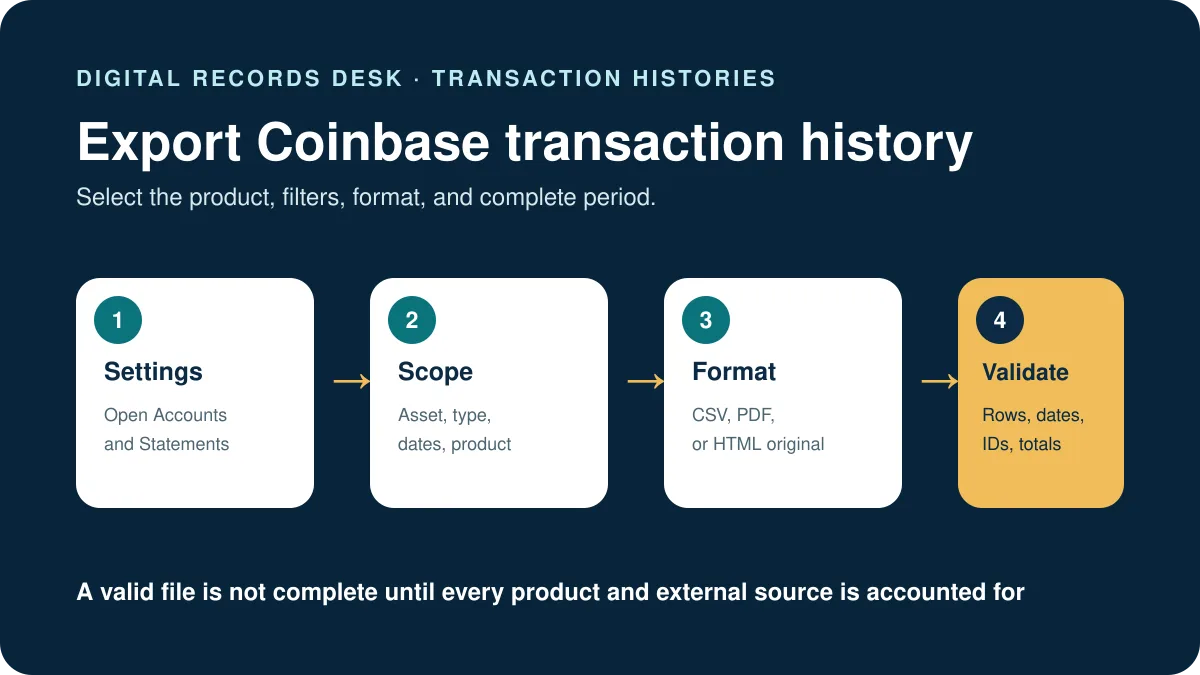
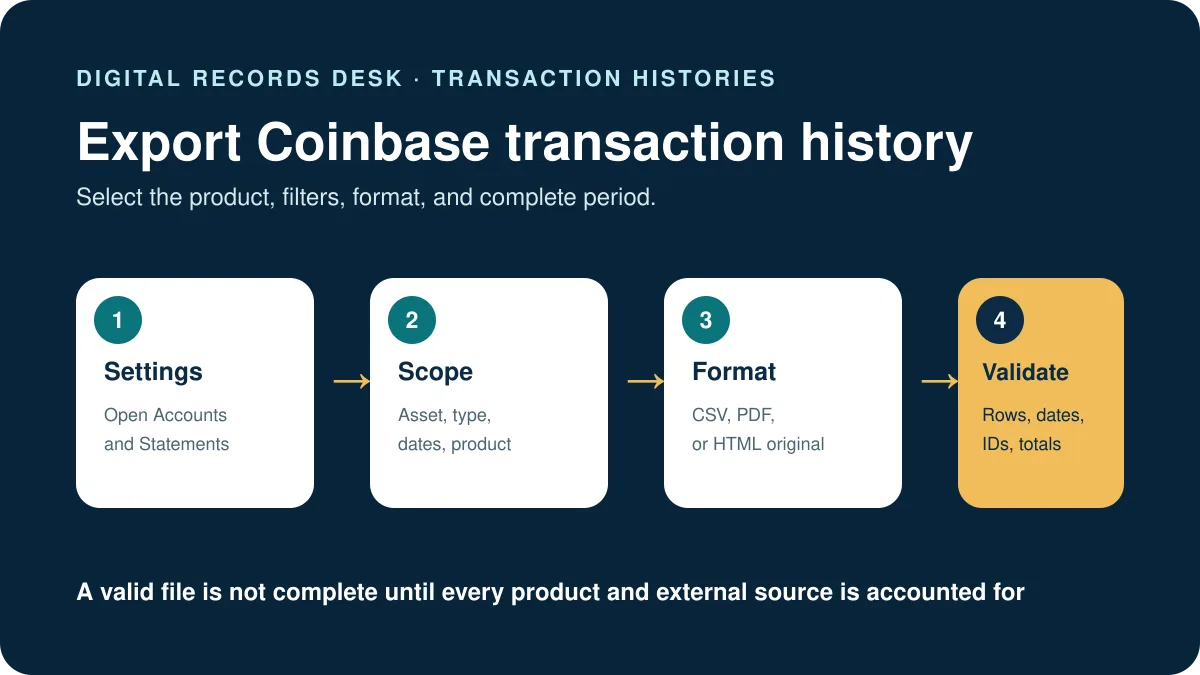
You can download Coinbase transaction history from the Statements area as a monthly statement or a custom export. Coinbase currently offers HTML, PDF, and CSV formats, with custom filters for asset, transaction type, and date.
How to download Coinbase transaction history
Desktop route
- Sign in to the official Coinbase website.
- Select your profile icon.
- Open Settings, then Accounts.
- Select Statements.
- Download an existing monthly statement or choose the option to generate a custom statement.
- For a custom export, set the asset, transaction type, and date range.
- Choose HTML, PDF, or CSV, then select Generate.
Mobile app route
- Open the Coinbase app and use the main menu.
- Select Account & settings.
- Open Statements.
- Choose the month or create the custom record available for your account.
- Save the file to a location you can identify later.
Menu wording can change between app versions. If the app does not show the filters or format you need, use the desktop Statements page rather than relying on a screenshot from an older guide.
Should you choose CSV, PDF, or HTML?
| Format | Best for | Watch for |
|---|---|---|
| CSV | Spreadsheets, reconciliation, and supported accounting or tax-software imports | Opening and resaving can change dates, long identifiers, decimal symbols, or column formatting |
| A stable, readable statement for review or record retention | PDF is usually unsuitable for direct CSV import and harder to filter | |
| HTML | Reviewing a statement in a browser-compatible format | It may include supporting files or render differently outside a browser |
If an accountant or application requested the export, use its exact required format. Do not convert a PDF to CSV unless the recipient explicitly accepts converted data; conversion can lose fields or misread amounts.
How to create a more complete Coinbase history
Use the full intended date range
Check the earliest and latest dates after downloading. A one-year tax period normally runs from January 1 through December 31, but reconciliation or account-history requests may require a different range.
Avoid over-filtering the first export
If you are unsure which transaction type is relevant, generate a broad original export first. Create filtered working copies afterward. This makes it easier to determine whether a missing row was excluded by the filter.
Account for activity outside Coinbase
A Coinbase export documents activity known to that Coinbase account. It cannot automatically provide the complete history of assets that moved through a self-custody wallet, another exchange, or a separate Coinbase product.
Keep the original download unchanged
Duplicate the file before sorting, deleting columns, changing separators, or importing it. An untouched original provides a reference when software reports unexpected totals.
Statement versus tax report
A statement records account activity. A tax report organizes information for tax-related review. Neither term guarantees that every external transfer has complete cost basis. If you specifically need a form or gain/loss report, use our guide to downloading Coinbase tax documents.
Troubleshooting Coinbase exports
The file is missing transactions
- Confirm that the date range includes the transaction date and correct time period.
- Remove asset and transaction-type filters, then generate a broader file.
- Check whether the activity occurred in another Coinbase product, exchange, or wallet.
- Make sure you are viewing the correct Coinbase account.
The CSV opens in one column
Import the file through your spreadsheet program’s data-import function and select comma as the delimiter. Do not randomly replace commas inside the original file because text fields may legitimately contain punctuation.
Dates or amounts change after opening
Spreadsheet software may apply automatic formats. Import every identifier-like column as text, confirm the locale and decimal separator, and compare sample rows with the untouched export before saving.
The statement looks inaccurate
Coinbase instructs customers to contact Coinbase Support if account-statement information appears inaccurate. Use official support from inside Coinbase or its verified help center; do not send the file to people contacting you through social media.
Build and validate a complete Coinbase record set
Before importing or combining anything, create a small control sheet with the Coinbase product, account, export route, filters, timezone, start date, end date, row count, earliest timestamp, latest timestamp, and original filename. This distinguishes a technically valid file from a complete record set.
- Generate one broad Coinbase export for the entire required period.
- Keep retail Coinbase, former Coinbase Pro, Coinbase Wallet, and outside-platform records separately labeled.
- Compare several buys, sells, conversions, rewards, sends, receives, and fees with the on-screen history.
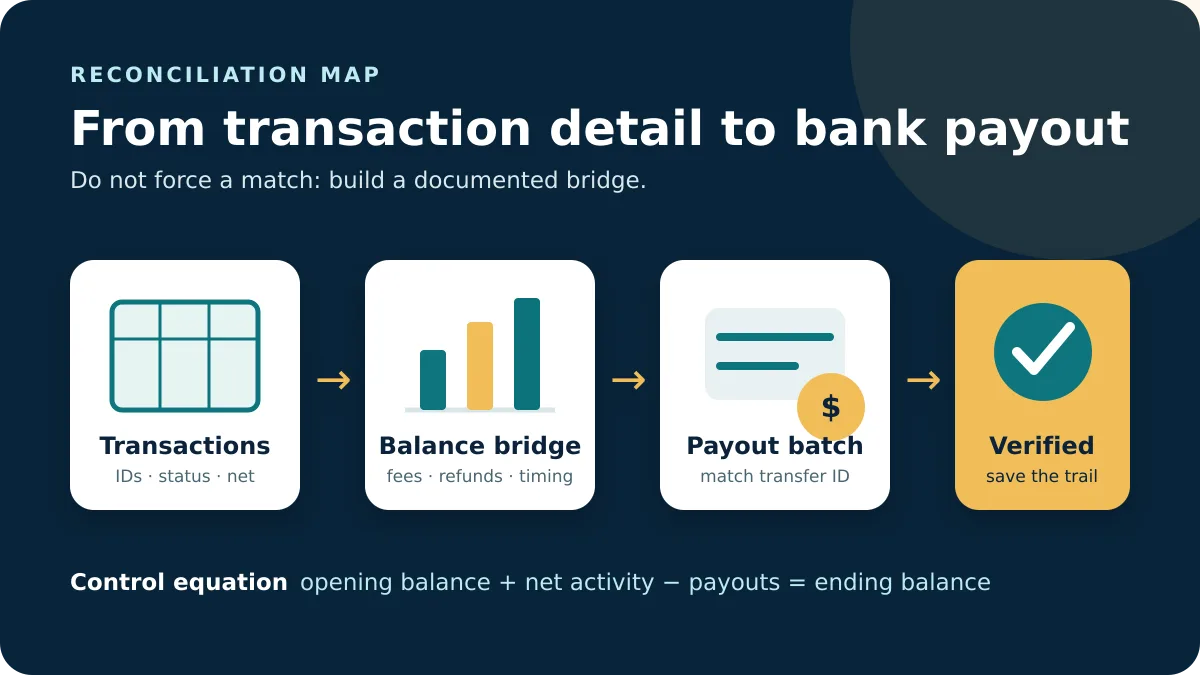
- Use transaction IDs or hashes to match transfers between platforms without deleting either source row.
- After import, compare row counts and totals by asset and transaction type with the source files.
A withdrawal on Coinbase and a deposit in another wallet can describe the two sides of one transfer. They may need to be linked for analysis, but removing one from the original history destroys useful evidence. Likewise, equal amounts on the same date are not proof of duplication; compare identifiers, asset, timestamp, status, and fee.
Use filenames that distinguish original, working, import-ready, and imported versions. If a spreadsheet rounded a long identifier or changed a timestamp, discard that working copy and import a fresh duplicate with explicit text and locale settings.
If the requested history spans several years, keep one source file per clearly labeled period and maintain an inventory rather than creating an undocumented master CSV. This preserves provenance, makes gaps visible, and allows a later Coinbase correction or replacement export to be incorporated without rebuilding the entire archive.
Frequently asked questions
How far back do Coinbase statements go?
Coinbase says account statements are available from the time the relevant account was created. Activity outside that account still requires separate records.
Can I download only one asset?
Yes. Coinbase’s custom statement workflow includes an asset filter. For reconciliation, consider keeping one unfiltered original before creating the asset-specific copy.
Can I export Coinbase transactions to Excel?
Choose CSV and import it into Excel. CSV is a data format rather than a native Excel workbook, so review delimiter, date, and numeric settings before resaving it as XLSX.
Does the history include Coinbase Wallet?
Do not assume it does. Self-custody wallet activity and other products can use separate record methods. Confirm which account and product generated the export.
The desktop route, mobile route, filters, available formats, and statement availability were checked on August 29, 2026.